p99 App vs Website: Which One Should You Open?

Short answer: the p99 Android app wins if you bet from the same phone every day and want one-tap entry. The mobile browser is the safer pick on a borrowed handset, a full storage card or a weak signal. The desktop site stays the calmest room for a large withdrawal or a long look at your bet history.

All three versions open one account, one wallet and one game lobby. Money you deposit in the app is visible in the browser a moment later. So this is a question about comfort, not about access.

So what actually changes between them?

Every version opens the same account. What differs is how you get in, how much data you spend and how quickly you can reach the cashier. The table keeps each cell short; the three sections after it explain the columns in plain words.

Android app, mobile browser and desktop site compared across install, speed, data use, login, content, cashier and player type
Version Install Opening speed Data use Alerts & quick login Content Cashier Suits
Android app Quick pick APK, 58 MB, Android 7.0 or newer Fastest on return visits; the lobby is already on the phone Downloaded once, then odds and live video still use data Push alerts, PIN or fingerprint login Full lobby: slots, live tables, cricket bKash, Nagad, Rocket, Upay and bank transfer, in the app Daily players on their own phone
Mobile browser None; any modern phone browser Quick on strong 4G, slower when the signal drops No download; each page loads fresh No push alerts; password typed at each login The same full lobby Same payment methods, inside the browser Shared phones and tight storage
Desktop site None; any desktop browser Fastest on stable Wi-Fi or a wired line Heavier pages than the app No push alerts; email only Full lobby plus a wide cricket coupon Easiest for document uploads and large withdrawals Bigger cash-outs and long sessions

The p99 app: one tap and you are in

The app is a 58 MB Android file you install once. After that the lobby sits on your phone and opens without pulling the whole site down again. It is the version most daily players end up using.

Good points

  • Push alerts for the markets you follow, so you are not refreshing a page near the toss.
  • PIN or fingerprint login instead of typing a password at the ground.
  • The cashier sits in the same window as the games.
  • Same account and balance as the browser, with nothing to move across.

Trade-offs

  • 58 MB download, which stings on a small data pack.
  • Needs Android 7.0 or newer.
  • Android asks you to allow one install from your browser, which looks odd the first time.
  • Updates arrive as a fresh file rather than quietly in the background.

Who it suits: players who use one Android phone, bet most days and want the cashier a thumb away. If you open the site twice a month, the download is not worth the space.
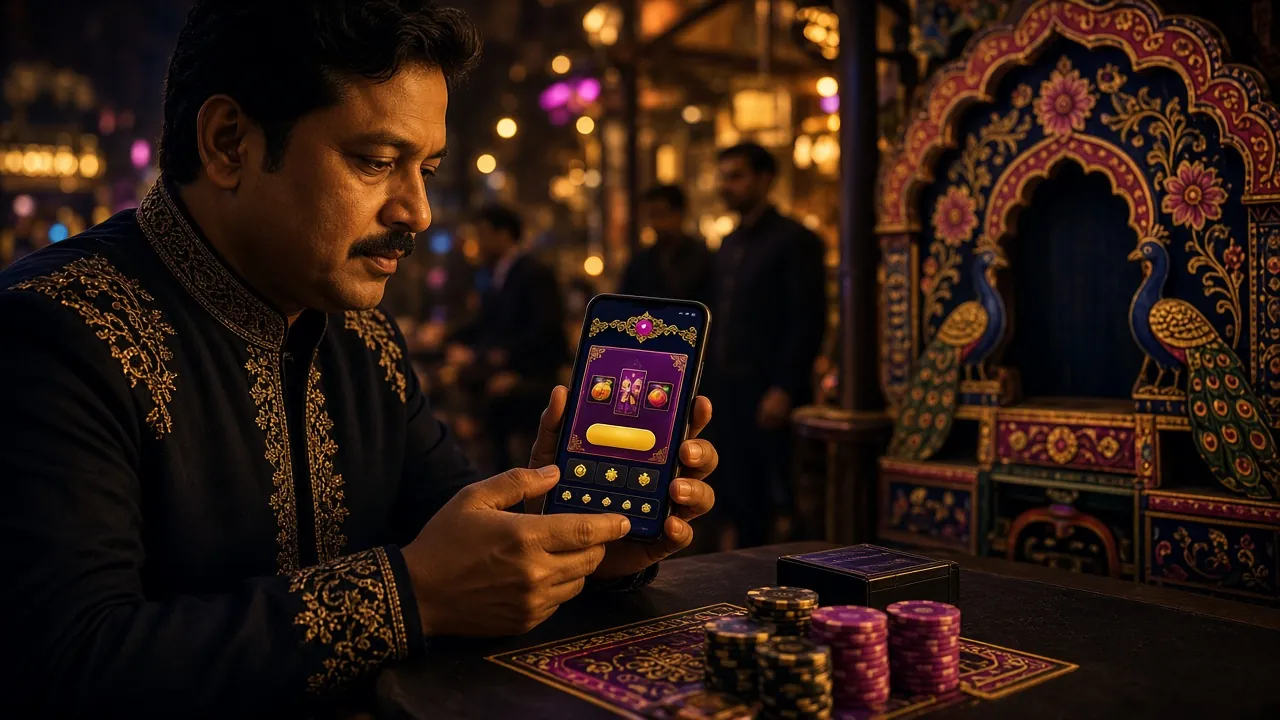
Mobile browser: nothing to install, nothing to update

Open the site in Chrome or any phone browser and log in. No file, no permission screen, no update to approve. On a good 4G signal the lobby loads quickly and the games behave the same way.

Good points

  • Works on any modern phone, including one that is not yours.
  • Nothing is stored on the device once you log out.
  • You always get the newest version of the lobby and cashier.
  • No download at all, which matters on a metered data pack.

Trade-offs

  • No push alerts, so you check the coupon yourself.
  • A password every time unless you let the browser save it.
  • A weak signal means pages rebuild from scratch.
  • Long sessions are heavier on the battery than the app.

Who it suits: people who log in now and then, anyone sharing a handset with family, and players whose storage is already full of photos.

Desktop site: where large withdrawals feel less rushed

The desktop layout spreads the cricket coupon, live tables and your bet history across one wide screen. Nothing to install, and the cashier is easier to handle with a keyboard in front of you.

Good points

  • The full cricket coupon and live tables visible at once.
  • The easiest place to upload the documents a first withdrawal needs.
  • Comfortable for reading statements and older bets.
  • Fewer mis-taps on anything that involves typing an amount.

Trade-offs

  • You need a desk, a laptop and a working power point.
  • No push alerts, only email.
  • Not practical during a power cut or on a commute.
  • Heavier pages than the app when your connection is metered.

Who it suits: players taking out a larger sum, or anyone who likes to read the coupon and the stats before placing a bet.

What are you actually doing today?

Most people do not need a permanent answer. Pick the version that matches the next hour, then change your mind later.

Your first deposit of ৳200

Register on the phone you will keep using, then install the app if it runs Android. Your welcome bonus and the 9x wagering on it are easier to follow when the balance and the game history sit on one screen. New here? Start on the register page first.

One quick bet during a match

Use the app. A push alert tells you the market is open, the PIN gets you in, and you are back to the game before the next over. On the browser you would be typing a password while the odds move.

A withdrawal larger than usual

Go to the desktop site. Daily withdrawals can reach ৳105,000, and a big request is easier to check on a wide screen with your ID documents ready to upload in one sitting.

A borrowed phone or a full storage card

Stay in the browser and log out when you finish. Nothing is left on the device, and you avoid asking someone else to free up space for a 58 MB file.

A long Sunday of cricket

Open the desktop screen for the coupon and the stats, then keep the app on the phone for alerts. The account is shared, so switching between them costs nothing.

The file, the version and the space it needs

Four numbers matter before you tap download. All of them come from the current build on the p99 App page.

PriceFree
Version3.6.12
File size58 MB
Android version7.0 or newer
Last updated15 November 2026

If free space is tight, clear old photos and videos before you start the download, or stay on the browser version for a while. The app does not need a second account: the username and password you already use will work from the first launch.

What the p99 app does better than a browser tab

Two friends in Dhaka comparing the p99 lobby on a phone screen and a laptop
  • Quick login. A PIN or your fingerprint gets you in, so you are not typing a long password on a moving bus.
  • Cashier in the same window. Send a bKash or Nagad deposit, then return to the table without opening another tab.
  • Live tables and cricket together. Ezugi tables, JILI slots and the cricket coupon share one lobby.
  • Push alerts. A reminder when a market you follow opens, or when a withdrawal request changes status.
  • Less rebuilding. The lobby shell stays on the phone, so coming back is quicker than loading a fresh page.
  • One wallet everywhere. Whatever you deposit in the app shows in the browser, and the other way round.

Moving from the browser to the app takes three steps

  1. Download the file

    Open the app page on your Android phone and start the 58 MB download. Use Wi-Fi if your data pack is small.

  2. Allow the install once

    Android will ask whether your browser may install the file. Allow it, then tap install and wait for the icon to appear.

  3. Log in as usual

    Use the username and password you already have. The balance is the same and nothing needs to be moved across.

Moving money in and out on any screen

The five payment methods work in the app, the mobile browser and on the desktop. Deposits usually land in about 4 minutes and withdrawals in about 31 minutes. The site minimum is ৳200 in and ৳600 out, whichever screen you use.

  • bKash

    Most used

    Best if your day-to-day money already sits in a bKash wallet. Keep the transaction ID until the balance moves; support asks for it if a payment stalls.

    Deposit about 4 min Withdrawal about 31 min From ৳200
  • Nagad

    Good if Nagad also handles your bills and mobile recharge. Check the wallet number twice before you confirm; a wrong number is the commonest slip.

    Deposit about 4 min Withdrawal about 31 min From ৳200
  • Rocket

    Handy in districts where a Rocket agent is closer than a bKash one. Agent deposits print a code, so keep the slip until the amount lands.

    Deposit about 4 min Withdrawal about 31 min From ৳200
  • Upay

    A quieter wallet that suits people already using Upay elsewhere. Fewer agents around, so plan deposits for daytime rather than late at night.

    Deposit about 4 min Withdrawal about 31 min From ৳200
  • Bank Transfer

    Large amounts

    The one to use from a desktop when the amount is large. Your bank adds its own step, so allow extra time on top of our usual timing. The account name should match your profile.

    Deposit about 4 min after bank release Withdrawal about 31 min plus bank time From ৳200

A first withdrawal can take about an hour while your documents are checked. After that, later requests follow the usual timing. Limits and steps are listed on the withdrawal guide.

Still weighing it up?

Six questions players send to live chat before they pick a version. The answers apply to all three, unless the question says otherwise.

Do I need the app to play on my phone?

No. The mobile browser shows the same lobby, the same 1,500 games and the same cashier. The app is a convenience, not a condition of play. Install it when you want push alerts and a PIN login; skip it when storage or data is tight.

How big is the p99 app and what does it cost?

The current file is 58 MB and free to download. Version 3.6.12 runs on Android 7.0 or newer, and it was last updated on 15 November 2026. Your browser will ask for permission once; allow it, then install from the notification bar.

Can one account be used on the app and the website?

Yes. One username and password open every version, and the balance is identical on all of them. Deposit in the app and the money shows in the browser. Do not open a second account to chase a fresh welcome bonus; that breaks the terms.

Which version is easier for a first withdrawal?

The desktop site, if you can get to one. Uploading your ID documents and checking the amount is calmer on a wide screen. The minimum withdrawal is ৳600 and the daily limit is ৳105,000. A first request can take about an hour while documents are reviewed.

Does the app work when my connection is slow?

It copes better than a fresh browser page, because the lobby shell is already on the phone. Live dealer video still needs a steady signal, so switch to a slots title or the cricket coupon when the line drops. On 2G, use the browser and expect to wait.

What happens to the app when a new version is released?

You download the file again from the app page, and it replaces the old copy while keeping your login and balance. There is no in-app update button. If you would rather not bother with updates at all, the browser version is always current.

Anything not covered here is quickest through 24/7 live chat or the help centre.

Pick one and open a p99 account

Register on the phone or laptop you actually use, then add the app later if you want alerts and a PIN login. One account covers every version, with the same wallet and the same games.

18+ · Play Responsibly. Set a spending limit before your first deposit.