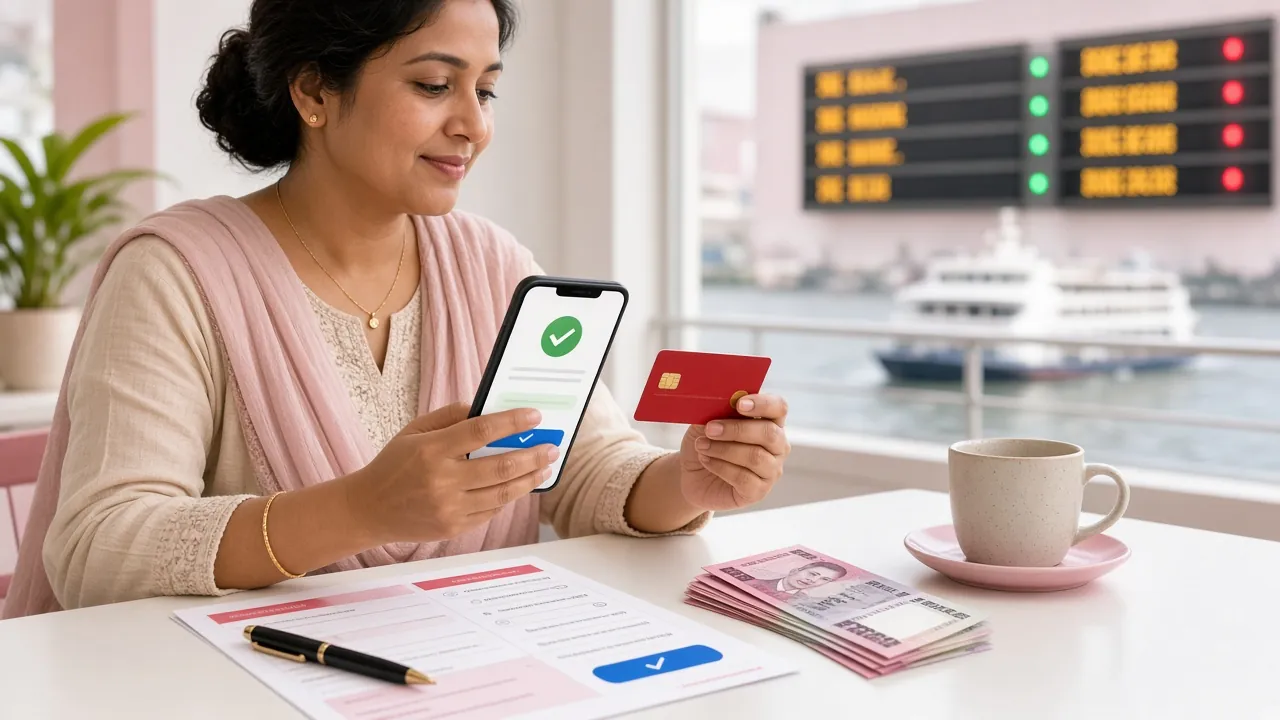
p99 Withdrawal Guide: From Request to Cash in Hand
Read this once and you will know how to move money out of your p99 balance, which wallet to pick, how long the payout takes, and what to fix when a request is held.
Six Steps From Balance to Wallet
Cashing out should be the simple part of the evening. Inside your account, the wallet screen asks for a wallet number, an amount and your PIN. Nothing else. Payouts on p99 usually settle in about 31 minutes, though the first one waits for a single document review. Below are the exact steps, the paperwork we ask for once, and the reasons a request can be sent back. Keep this page open the first time you withdraw and you will not need to ask anyone for help.
Open the wallet and tap Withdraw
Log in first. The button sits in the top bar on the website and in the bottom menu of the app. A guest view will not show it, so sign in before you start.
Type the wallet number twice
The screen asks for it once, then again to catch slips. Copy the number straight from your bKash, Nagad, Rocket or Upay app instead of reading it from memory.
Set the amount
৳600 is the smallest payout we accept and ৳105,000 is the most a standard account can clear in one day. Anything above the daily limit waits for the next reset.
Confirm with your PIN and the SMS code
Two codes, both yours. No member of staff will ever ask you to read them out, and no form outside the site should ever receive them.
Watch the request status
Most requests finish in roughly 31 minutes. A request that sits in review for longer is not lost; the balance stays put until the payout is released.
Save the TrxID
Screenshot the confirmation screen. If you ever need live chat, that ID is the fastest way for an agent to find your payout in the queue.
How long it really takes
Deposits with the same wallets land in about 4 minutes because nothing needs a second pair of eyes. Withdrawals are different. A rule set checks the name on the wallet against your profile, then releases the money. Friday evenings, the hour before a big match and the first day of a bonus are the busiest windows, so a payout can run past the average. If nothing has changed after two hours, open live chat with the TrxID ready and an agent can tell you where it stopped.
What p99 Asks For Before Your First Payout
You do this once and it stays done. Before the first payout leaves, we need to see one photo ID so we know the wallet belongs to the person holding the account. Review takes up to 24 hours, and the first withdrawal can take up to an hour on top of that.
National ID Card (NID) — front and back, both sides readable.
Passport — the photo page, with the machine-readable strip visible.
Driving Licence — the side that carries your name and photograph.
Uploading the file
Photograph the front. Daylight, flat surface, all four corners inside the frame.
Photograph the back if your address is printed there.
Take a selfie holding the same card beside your face, so the name and the person match.
Upload from the account page. A pending mark stays until review closes, and you get a message when it does.
Blur, glare and cropped corners are the three things that send a document back. Do not screenshot an old photo of your card, do not run it through a filter, and do not cover the number with your thumb. A plain background and a steady hand are enough.
Documents go to the review team and nowhere else. They are used to match the name on your profile with the name on the payout wallet, then stored encrypted. We do not print them, post them, or pass them to other players.
When a Payout Comes Back
A refused request is not a lost balance. The money stays in your account while you fix the cause, and most causes take one edit.
Name mismatch. The wallet must be registered in your own name. Open one in your name at the same mobile operator, or use bank transfer to an account you hold.
Wrong or closed number. One wrong digit sends money to a stranger, so the system stops it. Re-type the number from the wallet app, not from a friend's message.
Bonus still running. If you took the welcome offer, its 9× wagering has to finish before profit leaves the account. The wallet screen shows the remaining amount.
Document unclear. Re-upload with better light. Review restarts and takes up to 24 hours again.
Daily cap reached. A standard account clears up to ৳105,000 per day. Wait for the midnight reset, or check whether your tier carries a higher ceiling.
Live chat runs 24/7. Have the TrxID and the wallet number ready and the agent can tell you which of those five cases you are in, usually in a couple of minutes.
What You Can Take Out of p99, and How Often
Two numbers matter on the withdrawal screen: the smallest request we accept, and the most you can clear in one day. Everything else is a tier benefit.
Item
Figure
Smallest deposit accepted
৳200
Smallest withdrawal accepted
৳600
Daily withdrawal limit, standard account
৳105,000
Typical payout time
31 minutes
First payout after document review
Up to 1 hour
Bonus wagering to clear first
9×
Requests above the daily limit are not deleted. They stay pending and clear when the day resets at midnight, Bangladesh time.
Higher tiers, higher ceilings
Turnover is counted monthly across slots, live tables and sports. Once you cross a threshold, the daily payout room grows with it.
Tier
Monthly turnover
Daily withdrawal limit
Cashback
Copper
No minimum
৳100,000
1.6%
Silver
৳60,000
৳150,000
1.85%
Gold
৳190,000
৳210,000
2.1%
Platinum
৳630,000
৳310,000
2.35%
Titanium
৳2,000,000
৳440,000
2.6%
Money in, money out
bKashDeposit 4 minutes · Withdrawal 31 minutes
NagadDeposit 4 minutes · Withdrawal 31 minutes
RocketDeposit 4 minutes · Withdrawal 31 minutes
UpayDeposit 4 minutes · Withdrawal 31 minutes
Bank TransferDeposit 4 minutes · Withdrawal 31 minutes
Which Mobile Wallet Fits Your Withdrawal?
All four wallets reach your phone the same way. What changes is the agent network near you, how the app behaves at peak hours, and how much cash you can pull out at a counter.
bKash
Widest network
Agents on almost every corner, so turning a payout into cash is easy even at ten at night. The safest default for small and mid amounts, and the wallet most players already have installed.
If a request is stuck, the first thing to check is whether the wallet is still active.
Nagad
Quick on small sums
Popular with students and salaried players who keep a few thousand in the wallet. The app moves fast on small payouts, which suits a ৳600 or ৳2,000 request after a short session.
For a large win, splitting across two days is easier than pushing one big amount through.
Rocket
Strong outside Dhaka
In a district town or upazila, Rocket agents are often closer than bKash ones. That matters when you want physical cash the same evening rather than a balance on a screen.
It slows down at busy hours, so send in the morning if the amount is large.
Upay
Everyday wallet
A smaller network, but handy if Upay is already the app you use for electricity bills and mobile recharge. Keeping it installed means the SMS alert and the payout screen live in one place.
Best for regular small payouts rather than a single big withdrawal.
Bank transfer sits alongside these four. It is the better route for larger sums, and for players whose wallet name and profile name have never quite matched. It also leaves a clear record you can show if anything is questioned later.
Whichever you pick, the number must be active and registered in your own name. A closed wallet, a friend's number or a number typed from memory is the most common reason a payout stops at review.
Four Players, Four Different Payout Plans
Most problems come from timing, not from money. These four situations cover the requests we see every week.
First payout, ৳1,000 in the account
Send the ID photo the evening you deposit, not the moment you want the money out. By the time you request ৳600, the review is usually closed and the payout lands inside the hour.
Deposit ৳200 on day one, upload documents the same night.
No laptop, phone only
The website works fine in a mobile browser, and the app is lighter on data when the connection drops. Install it before your first payout so the request screen and the SMS alert are in one place.
Request before the first ball, not at the drinks break. The queue grows with the crowd, and a request sent at nine in the evening may not clear before midnight. Plan the cash you need earlier in the day.
Withdraw in the afternoon, bet in the evening.
A ৳140,000 win in one session
That sits above the ৳105,000 daily cap for a standard account. Take ৳105,000 today and the rest after the reset, or look at your tier: Gold and above carry a higher ceiling.
Sign in and check your tier before splitting the payout.
Keep Your PIN and OTP Off the Phone Line
The wallet side of a payout is where most losses happen, and they rarely start on our site.
Never give out the PIN or the SMS code
Not by phone, not on a link you reached from a text, not in a chat window. Payout staff read your request; they never need your codes.
Send money only to the number inside your account
A caller who gives you a personal bKash or Nagad number and asks you to "confirm" a payout is not working for us.
Keep the screenshot and the TrxID
The wallet SMS and your screenshot are your proof. Keep them until the cash is in your hand, not just until the screen turns green.
Hang up on urgency
"Your account is blocked, send the code now" is the oldest line in the book. Close the call and start a live chat from the site yourself.
Payout Questions We Get Every Week
How long does a p99 withdrawal take?
About 31 minutes for most requests. If this is your first one and the document review is still open, allow up to 24 hours for the review and up to an hour for the payout itself. Busy evenings and match nights run longer than the average.
What is the smallest amount I can take out?
৳600. Deposits start lower, at ৳200, so you can test the route with a small sum first. A standard account can clear up to ৳105,000 in one day, and higher tiers raise that ceiling.
My request has said processing for two hours. Is it stuck?
Usually not. Check three things: the wallet name matches your profile, the wallet is still active, and any welcome bonus has finished its 9× wagering. If all three look right, open live chat with the TrxID and an agent can trace the request.
Which documents are accepted for the first payout?
A National ID Card (NID), a Passport or a Driving Licence. Review takes up to 24 hours. Photos need daylight, the whole card in frame, and no glare across the number. A cropped or blurry file starts the review again.
Can I withdraw to a friend's bKash number?
No. The wallet has to be registered in your own name, because the payout is matched against your profile. If a mobile wallet is not an option, bank transfer to an account you hold works just as well.
Who actually sees my ID photo?
Only the review team, and only to match your name to the payout wallet. Files are stored encrypted and are not shared with other players or used for anything else.
Open an Account, Then Try a Small Payout
Create a p99 account, deposit ৳200 with bKash or Nagad, and send your ID early so the first withdrawal does not wait. Already registered? Sign in and go straight to the wallet screen.